
Wide Open Doors
“We are months behind and it keeps us up at night.”
Fixed: vulnerabilities patched on a visible schedule.
Core, plugins, themes and PHP kept current by engineers who rehearse the whole thing on a staging copy first. You get the security and speed of an up to date site without ever gambling with the one that earns you money.
Four things we hear from teams sitting on a pile of pending versions, and how a proper update routine settles each one for good.
“We are months behind and it keeps us up at night.”
“Last time we updated, the layout fell apart.”
“Our form stopped sending and a customer told us.”
“Ninety updates pending and nobody wants to click.”
Most sites get updated by pressing the blue button and hoping. We map compatibility, rehearse the release on a clone, prove it works, and keep a restore point ready the whole time.
Nothing reaches your visitors until it has proven itself.
“Every update on the live site feels like tossing a coin.”
How we fix it: A synced clone of your site takes the update first, so every surprise happens somewhere harmless and gets solved before deployment.
Core, PHP and plugin versions checked against each other.
“Nobody warned us the new PHP version would take the whole site down.”
How we fix it: We map how core, PHP and every extension depend on one another, then sequence the updates so nothing lands out of order.
A restore point sitting behind every single change.
“The automatic update broke us and the newest backup was three weeks old.”
How we fix it: A full file and database snapshot is taken before every window, so returning to the last known good version is a two minute job.
Six areas of your stack, all covered by the same team, so a core release, a plugin patch and a theme upgrade never fight each other again.
WordPress, Shopify and Webflow app cores brought current, with major and minor releases planned rather than pounced on.
PHP upgrades, server side adjustments, database schema updates and the deprecated code that trips them all up.
Third party plugins and extensions updated in a safe order, with conflicts debugged and dead weight removed as we go.
Premium licences tracked and renewed on time, plus regular sweeps for abandoned plugins and published security advisories.
Parent and child themes, plus Elementor, Divi and other builder frameworks, updated without losing your custom template work.
Custom CSS verified, mobile behaviour rechecked and any typography or interface regression repaired before you ever see it.
A snapshot before anything moves, a full rehearsal on a clone, then a quiet deployment with someone watching. Your visitors only ever meet software that has already been proven.
A full copy of files and database is taken, then your live site is mirrored into a private staging environment nobody else can reach.
Core, plugins and themes are applied on the clone and put through visual and functional testing until the whole thing behaves.
Approved changes go out in your calmest hour, caches are cleared, and a person walks the real site before we call it finished.
Confidence comes from having somewhere to fall. Snapshots, sandboxes and hands on testing are what let us move quickly on patches without ever betting your revenue on them.
Files and database captured before a single version changes, held off site, and restorable in minutes if a release misbehaves.
A private clone of your site takes every update first, so the messy part of any release happens where it cannot cost you a customer.
Screens compared before and after, then the paths that actually make money walked by hand across phones, tablets and desktops.
Credentials handed over, then a full read of site health, PHP and every pending version.
Complete file and database backup, then a synced copy of your site spun up.
Core, plugins and themes applied in a safe order, conflicts solved as they appear.
Visual checks across devices plus hands on QA on checkout, forms and logins.
Approved changes pushed during your calmest hours, caches cleared, speed verified.
Version log, health note and your slot in next month booked before we leave.
Every month your site joins a booked update window. You get the version log, the QA result and a short health note, so you always know what changed and why nothing broke.
Three sites that were badly behind, and what happened once someone took the updates seriously.
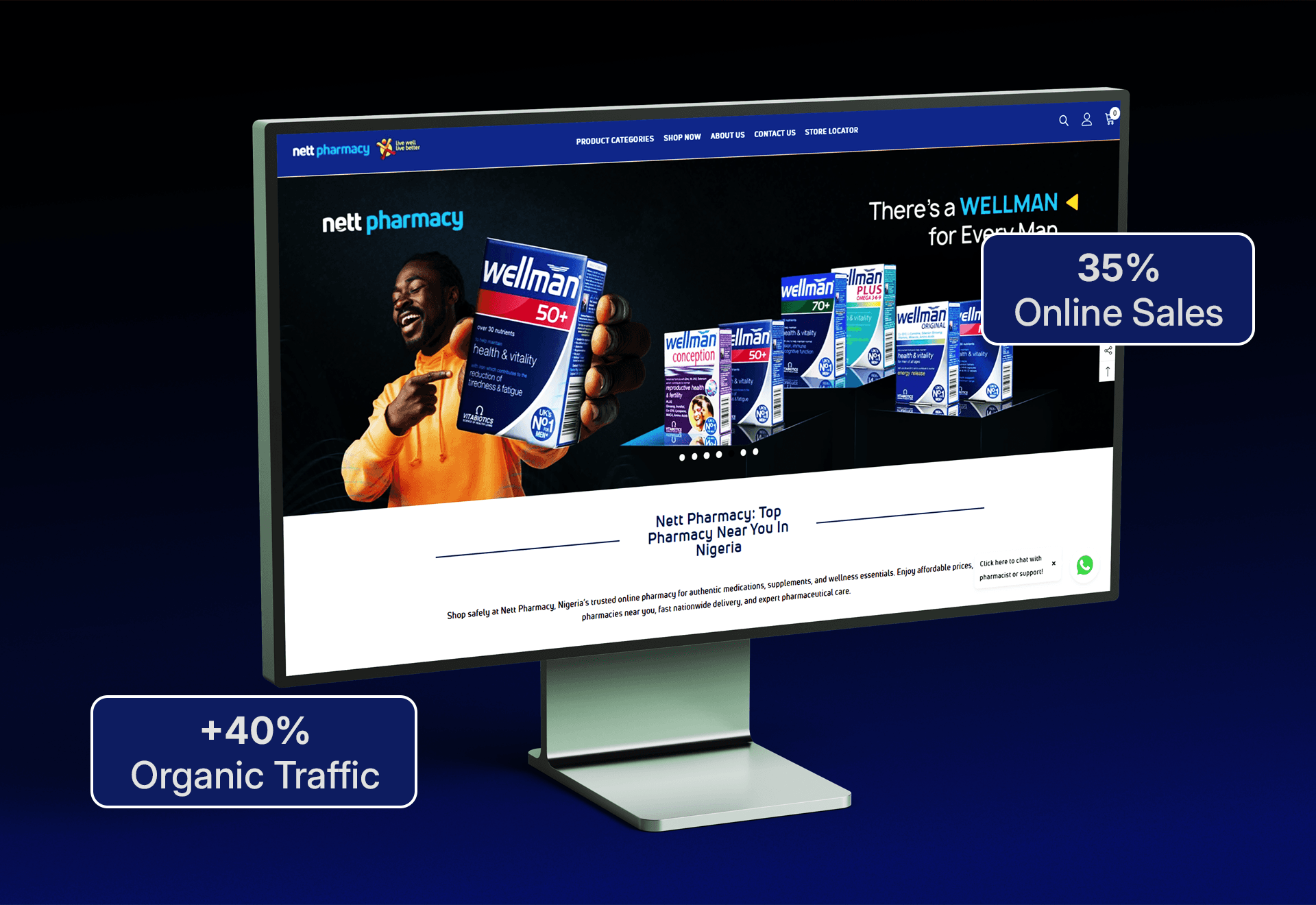 WordPress core
Challenge: An unsupported PHP version, ninety two pending updates and a team that had stopped opening the dashboard.
 WooCommerce
Challenge: A payment plugin had silently stopped working twice after routine updates, and customers were the ones who noticed.
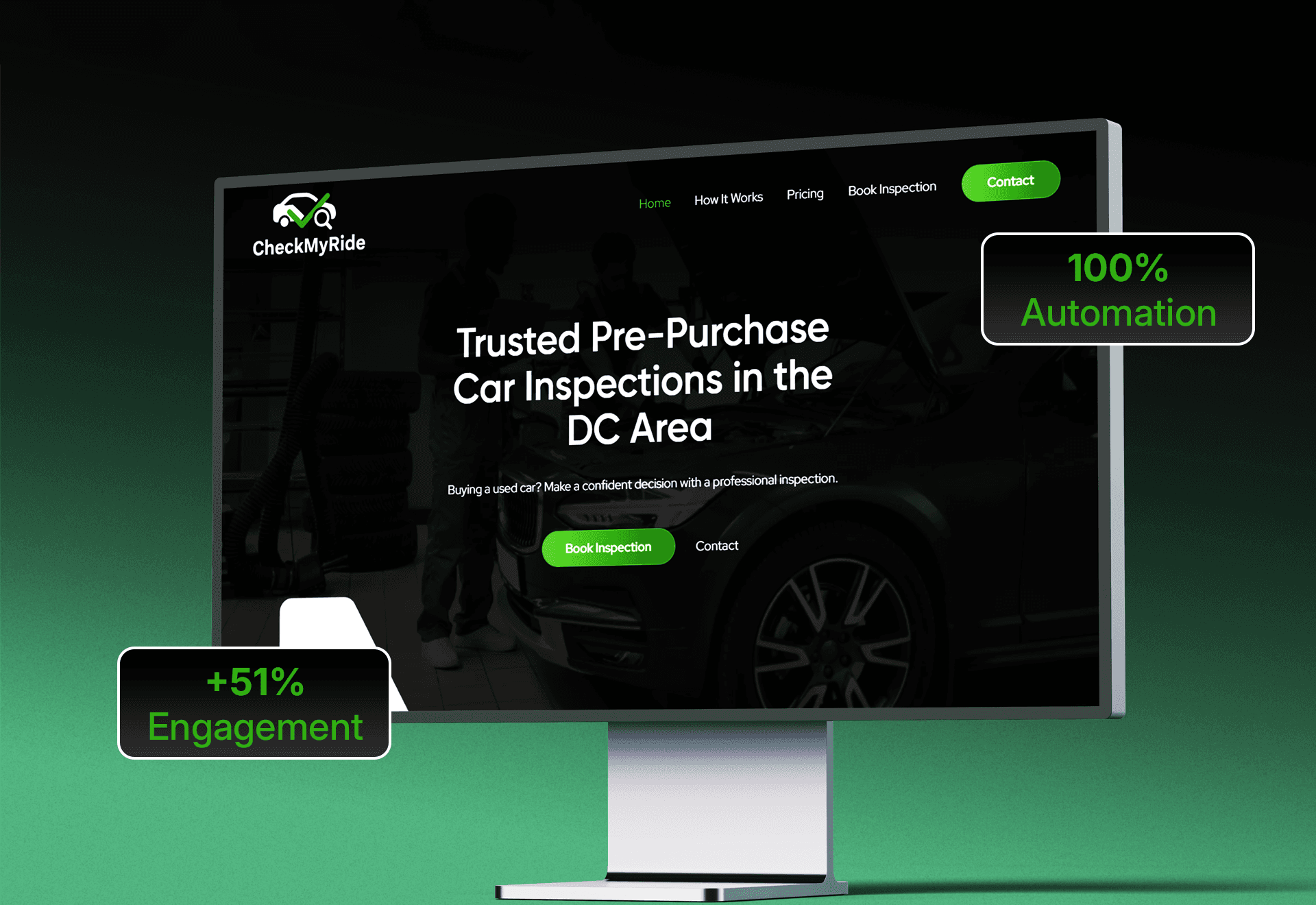 Page builder
Challenge: A theme framework release had previously wrecked custom CSS across forty landing pages, so nobody dared upgrade again.
Send us access and we will send back a plain list of every pending core, plugin and theme version, which ones are risky, which are abandoned, and what we would update first. No pitch, no jargon.
Response within one business day · No obligation